Why "firewall" is the right analogy
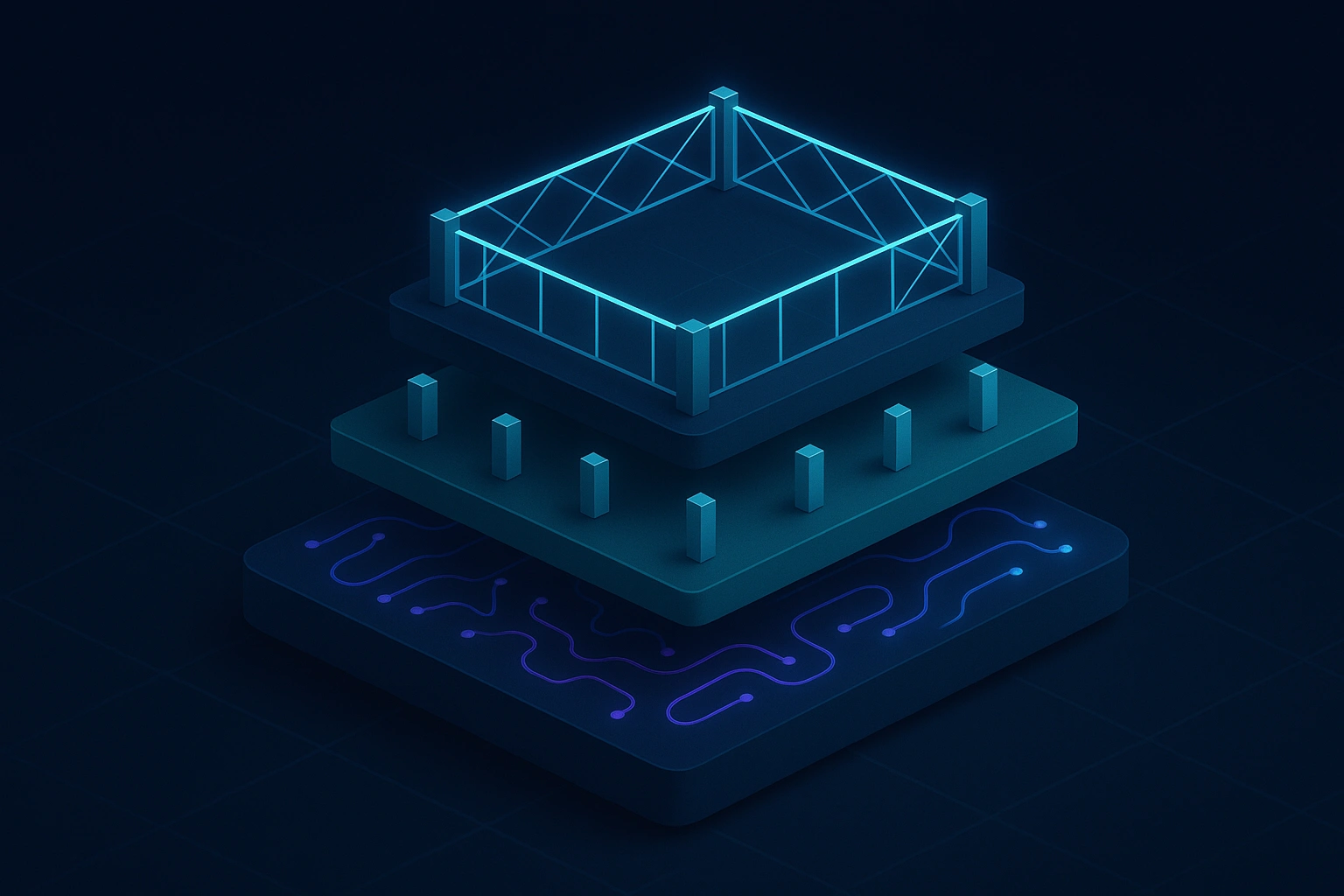
The network firewall is the canonical enterprise security control: a layer that permits or denies traffic based on defined policy, independent of what either endpoint wants to do. The AI firewall applies the same principle to AI activity.
Without a firewall, every employee, AI agent, and automated workflow can reach any AI model with any input and receive any output. The organization has no visibility into what data leaves or enters via AI, no control over which models are approved for which users, and no audit record of what happened.
An AI firewall changes that. It intercepts AI traffic at the infrastructure layer — not at the application layer — so policy enforcement is consistent regardless of which tool, model, or interface the user chooses.
What an AI firewall controls
A complete AI firewall addresses four enforcement surfaces:
Browser (web AI)
Consumer and enterprise AI tools accessed through the browser — ChatGPT, Claude, Gemini, Copilot — are outside the organization's traditional security perimeter. An AI firewall applied at the browser layer can enforce which AI tools employees may access, inspect prompt content before submission, and block or redact sensitive data from being pasted into any AI interface.
Desktop (native AI)
AI capabilities embedded in productivity software — coding assistants, document editors, OS-level AI features — operate at the application layer, bypassing browser controls. A desktop-layer AI firewall extends policy enforcement to native applications, ensuring that AI-embedded features on macOS and Windows operate under the same controls as browser-based tools.
Mobile (field and BYOD AI)
Field teams, customer-facing employees, and remote workers increasingly use AI tools on mobile devices. A mobile AI firewall applies consistent governance to iOS and Android AI activity, including BYOD environments where corporate and personal usage coexist.
Agent runtime (agentic AI and MCP)
Autonomous AI agents call external tools, APIs, and services on behalf of users. These calls are not visible in any browser session or application log. An AI firewall at the agent layer intercepts every tool call before execution, enforces least-privilege access, gates high-risk actions on human approval, and produces a trace-linked audit record.
How an AI firewall differs from DLP
Traditional Data Loss Prevention (DLP) tools inspect file transfers and outbound communications for sensitive data patterns. They were not designed for AI interactions.
| Traditional DLP | AI Firewall | |
|---|---|---|
| Scope | File transfers, email, web uploads | AI prompts, completions, tool calls, agent actions |
| Signal | Regex patterns, file types | Intent, semantic content, model access, policy |
| Agent coverage | None | Full tool-call and MCP governance |
| Approval workflow | Not applicable | Human-in-the-loop gates for high-risk AI actions |
| Audit trail | File-level logs | Prompt/completion/tool-call trace per session |
DLP catches known data patterns leaving known channels. An AI firewall enforces intent-aware policy across every surface where AI activity occurs.
Questions an AI firewall answers
- Which AI tools are employees using, and how often? — Tool and model inventory with usage analytics.
- Is sensitive data being submitted to external AI models? — Prompt inspection with redaction or block on policy match.
- What did this AI agent access, modify, or send? — Tamper-evident audit trail per agent session.
- Who approved this high-risk AI action? — Human-in-the-loop records with reviewer identity.
- Which AI tools are approved for which roles? — Role-based access control per model and surface.